Windows
A 24-hour clock on your Windows desktop
Visdap keeps your whole day on a round 24-hour dial in the corner of the screen, so you see how much of a work block is left without switching windows.


- No account
- No ads or tracking
- Works offline
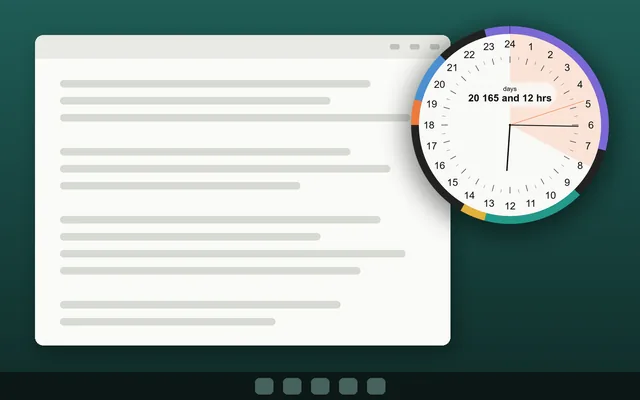
What you get on Windows
Always in sight
The dial can stay on top of other windows. In ghost mode, clicks pass through it to the window below.
Your size and transparency
Any size from 150 to 900 pixels, with adjustable transparency.
Quick capture
Press Ctrl+Shift+Space to add a task from any app.
Reminders, Pomodoro and projects
Reminders with sound, a Pomodoro timer and projects with deadline stripes. Pomodoro and projects come with Pro.
Questions and answers
Which Windows versions are supported?
Windows 10 (version 1809 or newer) and Windows 11.
Can it start with Windows?
Yes. You can turn on start with Windows in the settings.
Does it need internet?
No. Only buying or restoring Pro needs a connection to the Microsoft Store.
Plan today. See all of it.
Install Visdap and plan your first day in a couple of minutes. Free to start.